


Change clothes in your photo
Upload a clothing image, a product screenshot, or a street-style shot, or take a new picture. Pick a portrait of yourself and generate an AI try-on to explore different garments, colors, and silhouettes.
Upload a photo of yourself and any piece of clothing, and see it on. Interview suits, ID photos, hanfu, wedding gowns, travel looks — the outfits that take half a day to try in person, you can preview in seconds.
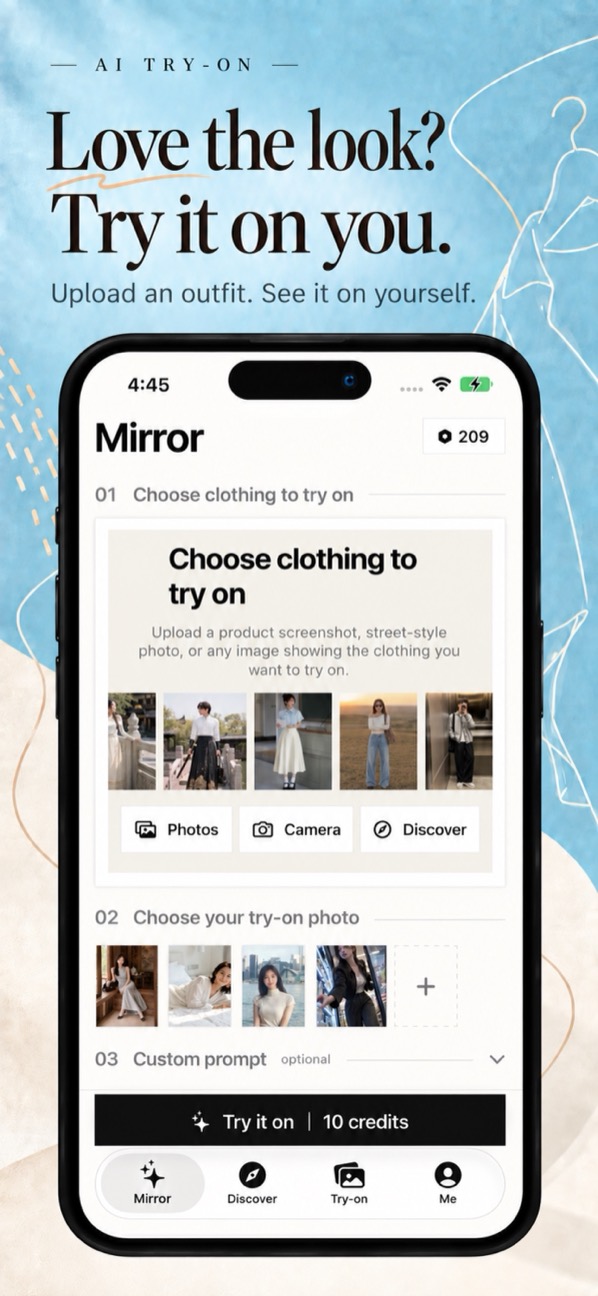
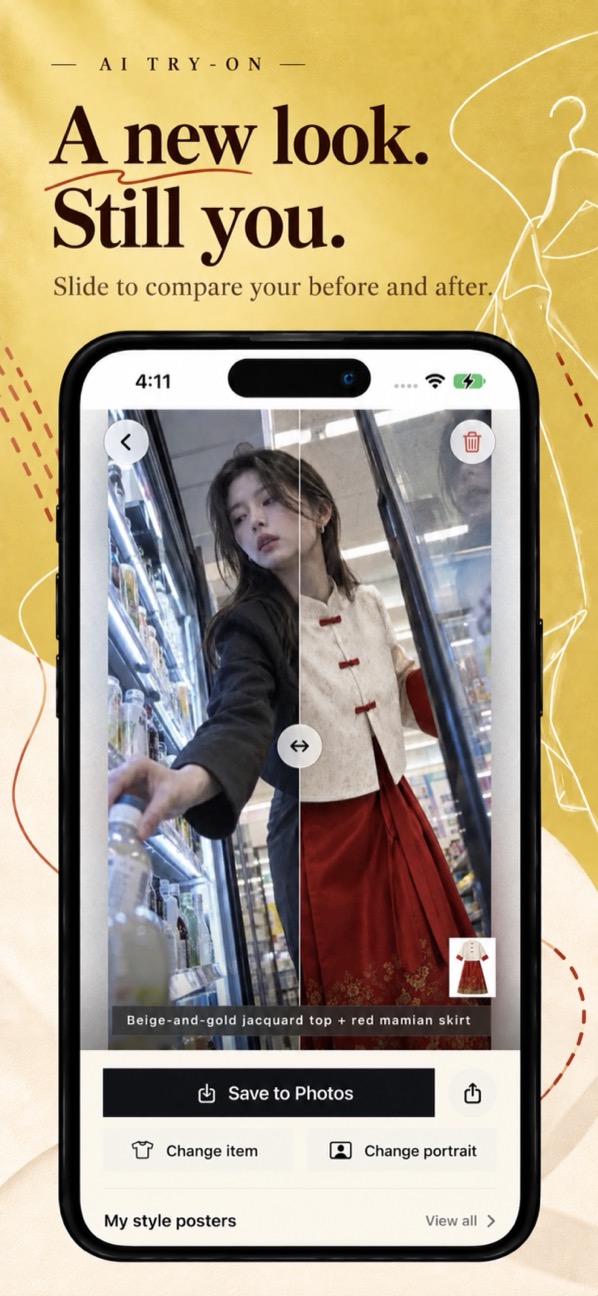
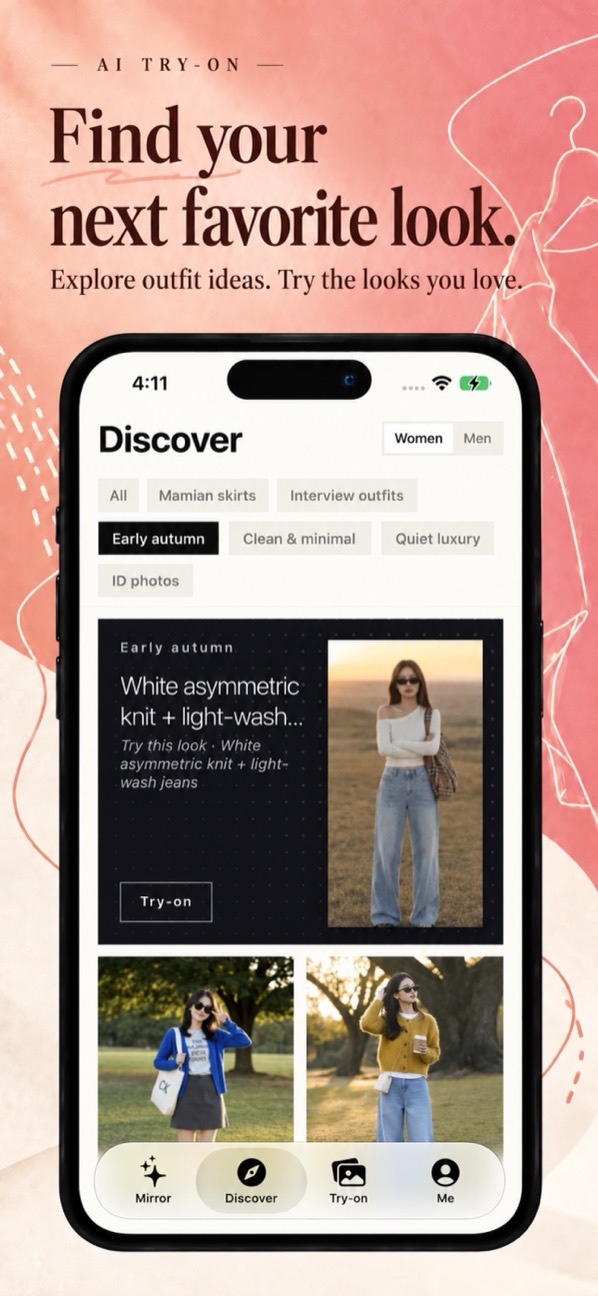
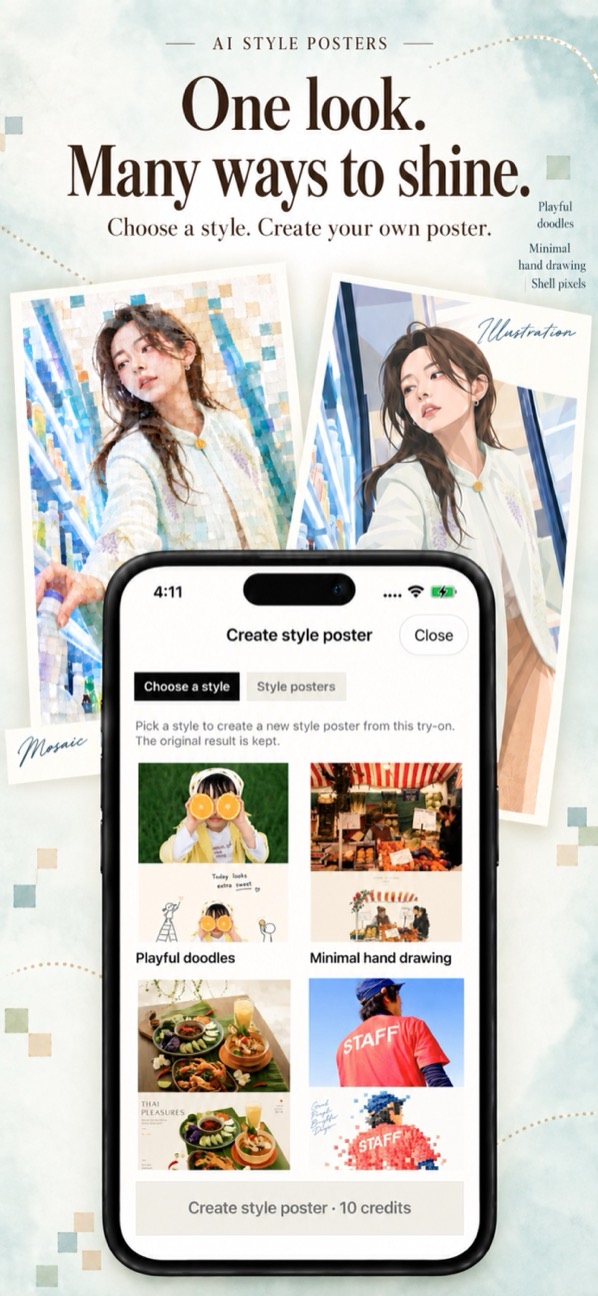
Official App Store screenshots showing the real interface and try-on flow.
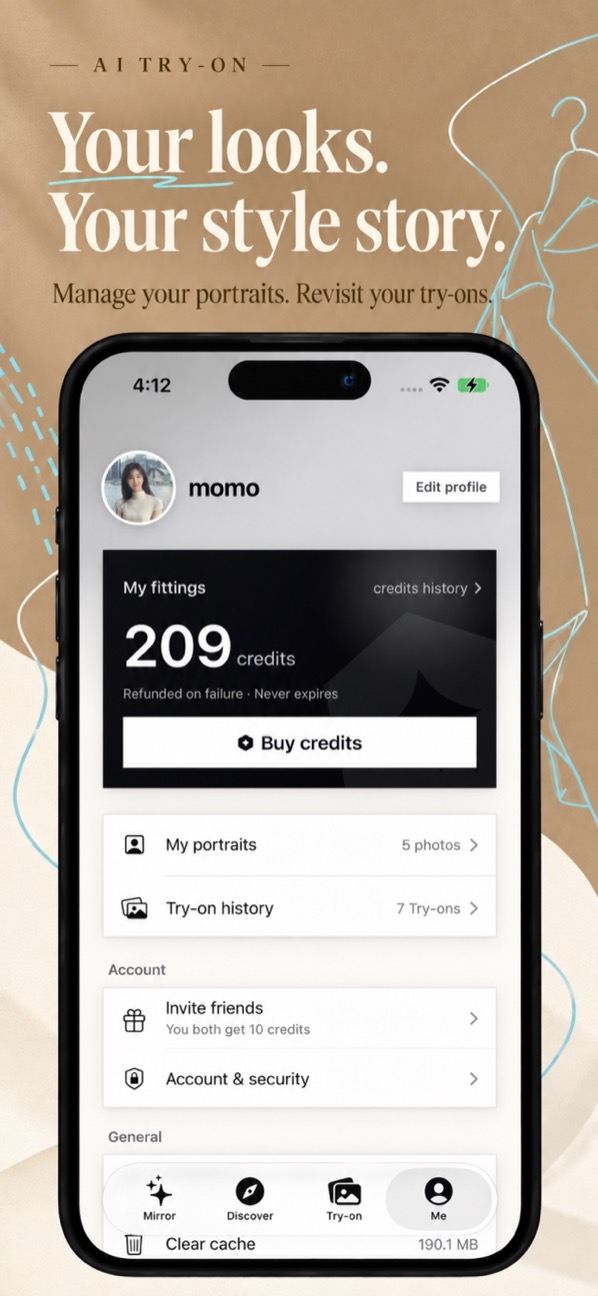
It does one thing properly — showing you a garment on yourself. No wardrobe manager, no social feed.
Upload a clothing image, a product screenshot, or a street-style shot, or take a new picture. Pick a portrait of yourself and generate an AI try-on to explore different garments, colors, and silhouettes.
Use the slider on the result page to see the transformation. Swap the clothing or the portrait and keep exploring. Save the results you like to Photos or share them.
Built-in ID photo templates cover common sizes such as 35×45mm and 51×51mm visa formats, with switchable background colors. Put yourself in a suit without booking a studio.
Traditional Chinese pieces like mamianqun skirts, bijia vests, and capes, plus wedding gowns and travel outfits. The clothes that are a hassle to try on in a store are the ones worth previewing here first.
Not sure what to wear? Discover has hundreds of looks for everyday commuting, job interviews, early autumn, and clean minimal style. Pick one and see it on your own photo.
Choose a style such as playful doodles, minimal hand drawing, or shell pixels to create a poster from your try-on. Your original result stays available, and each poster can be saved on its own.
A clothing photo, a product screenshot, or a street shot — or pick a look straight from Discover.
Pick one from your portraits or take a new picture. Portraits are reusable.
Slide to compare before and after, then save what you like. Make a style poster if you want one.
For clothes that take half a day to try on in person, or that you cannot try on at all.
Suits, shirts, workwear — work out which one looks like the person in that role.
Common sizes such as 35×45mm and 51×51mm, with formal wear and switchable backgrounds.
Skirts, bijia vests, and capes — check the colors and cut before renting or buying.
Gowns and travel-shoot looks, to narrow the list before visiting a studio.
Drop in a product screenshot and check whether the cut and color are what you wanted.
Turn a try-on you like into a doodle, hand-drawn, or pixel-art poster.
Pay per use, no subscription. A standard try-on costs 10 credits; style posters are counted separately. The exact cost is shown on screen before you generate.
120 credits
310 credits
780 credits
1,540 credits
Prices are whatever the App Store shows in your region. Signing in is required to buy and spend credits.
Not exactly. AI output is for outfit preview and creative expression and may differ from how a garment actually looks on you. It cannot be used to measure sizing or guarantee fit. Treat it as a rough sense of the look.
No. We do not use your photos to train any AI model, and we do not use them for anything other than generating the try-on you asked for. See the privacy policy for details.
Your photos, garments, and try-on records are kept until you delete them in the app or delete your account. Portraits, garments, and records can each be deleted individually at any time.
Yes, for try-ons. Sign in with Apple and username sign-in are both supported. Buying and spending credits also requires being signed in.
iPhone, running iOS 17 or later.
Templates cover common formats such as 35×45mm and 51×51mm, but for official use follow the specific requirements of the office processing your application, and use an officially taken photo where one is required.