
ID photo with a suit: see yourself in formal wear first
You need a passport-style photo in a suit by tomorrow, and all you have is a selfie in a T-shirt. Upload a front-facing portrait to Wear.AI, pick a suit or shirt, and see the formal version of your ID photo without a trip to a studio.
Wear.AI has built-in ID photo templates covering common formats such as 35×45mm and 51×51mm visa sizes, with switchable background colours. The in-app Discover feed also has an ID photo category with ready-made formal looks.


A few outfits to look at
Open one to see it worn. The outfit pages are in Chinese.
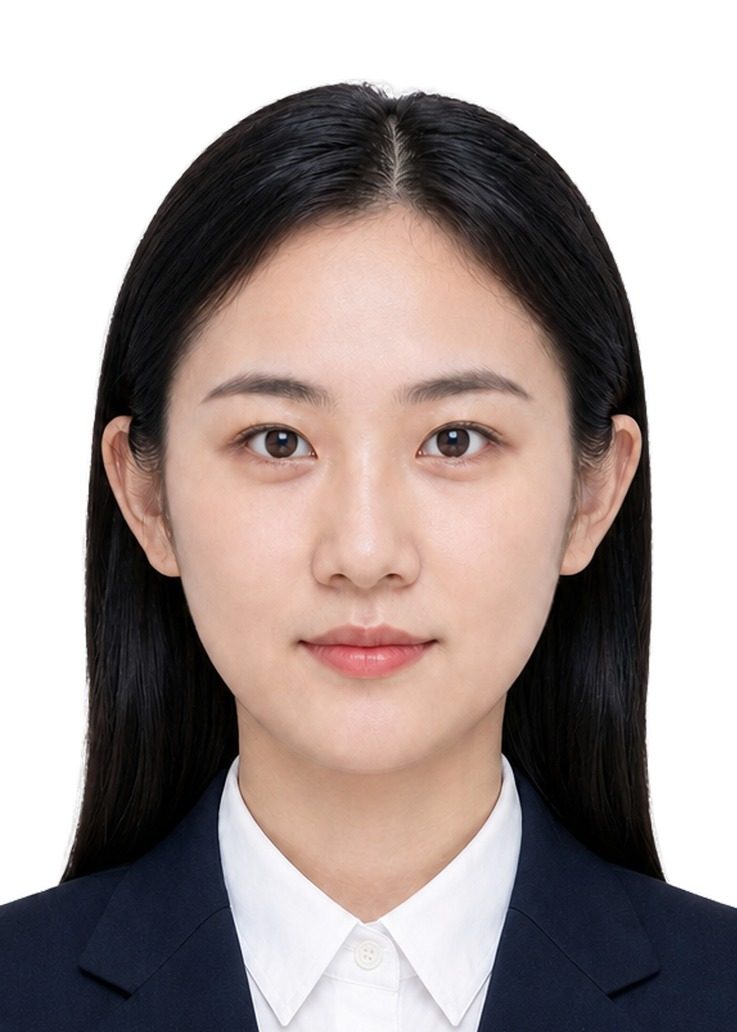
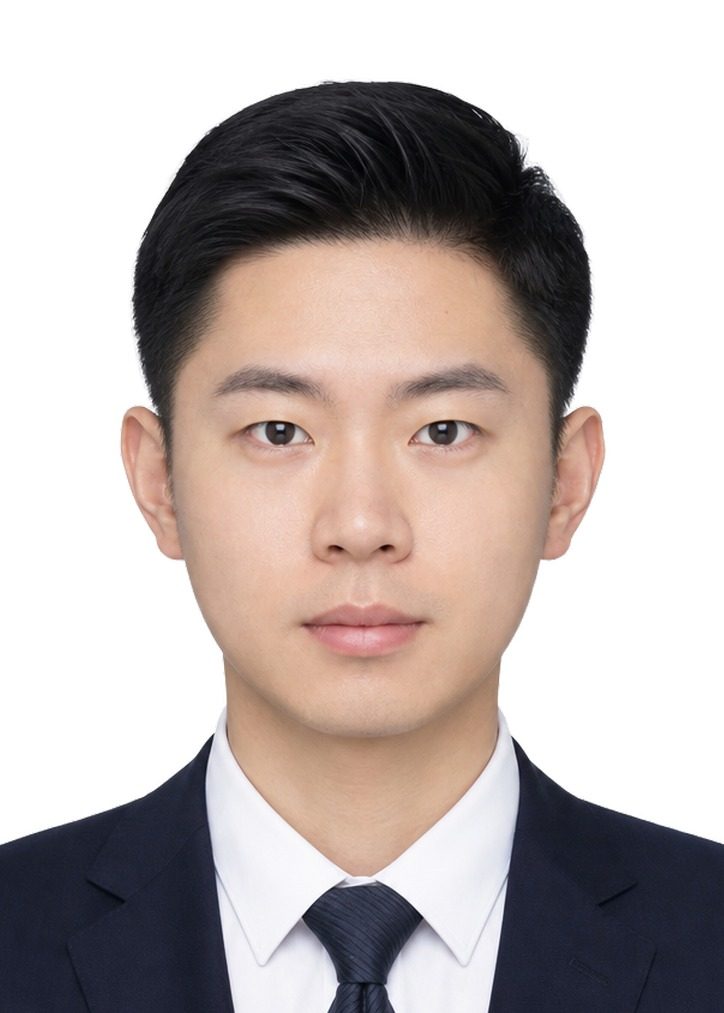
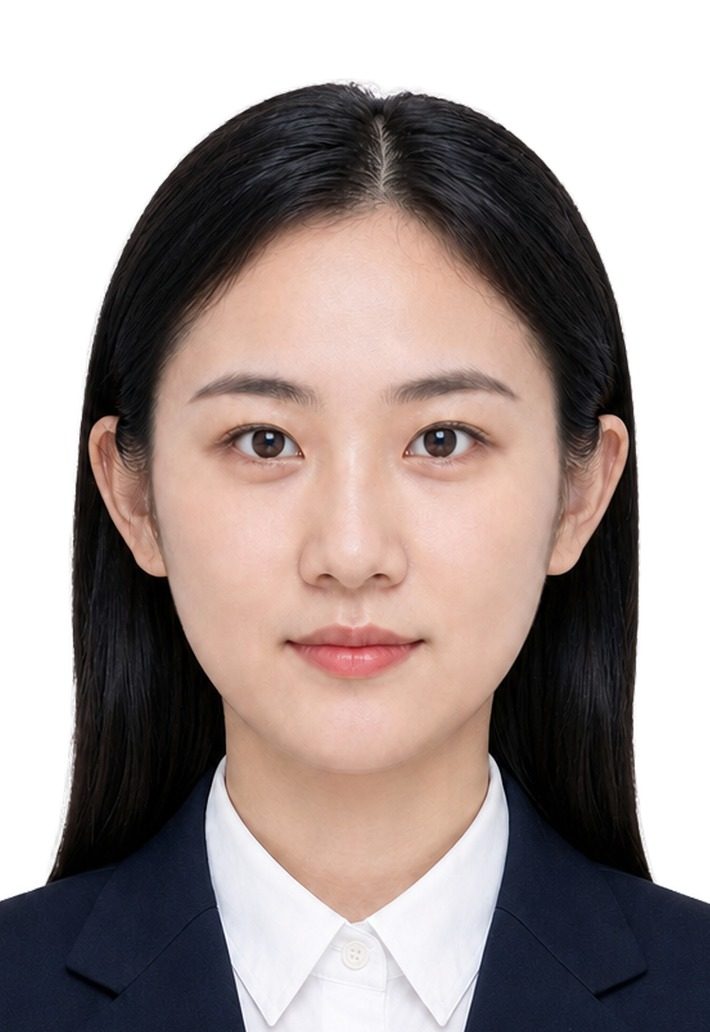
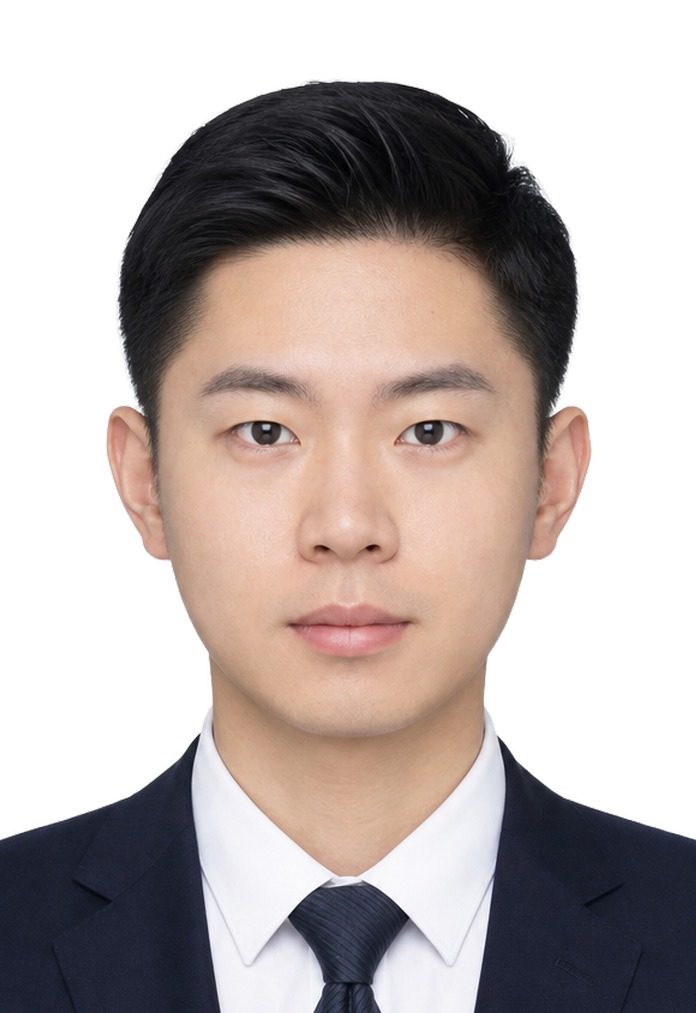
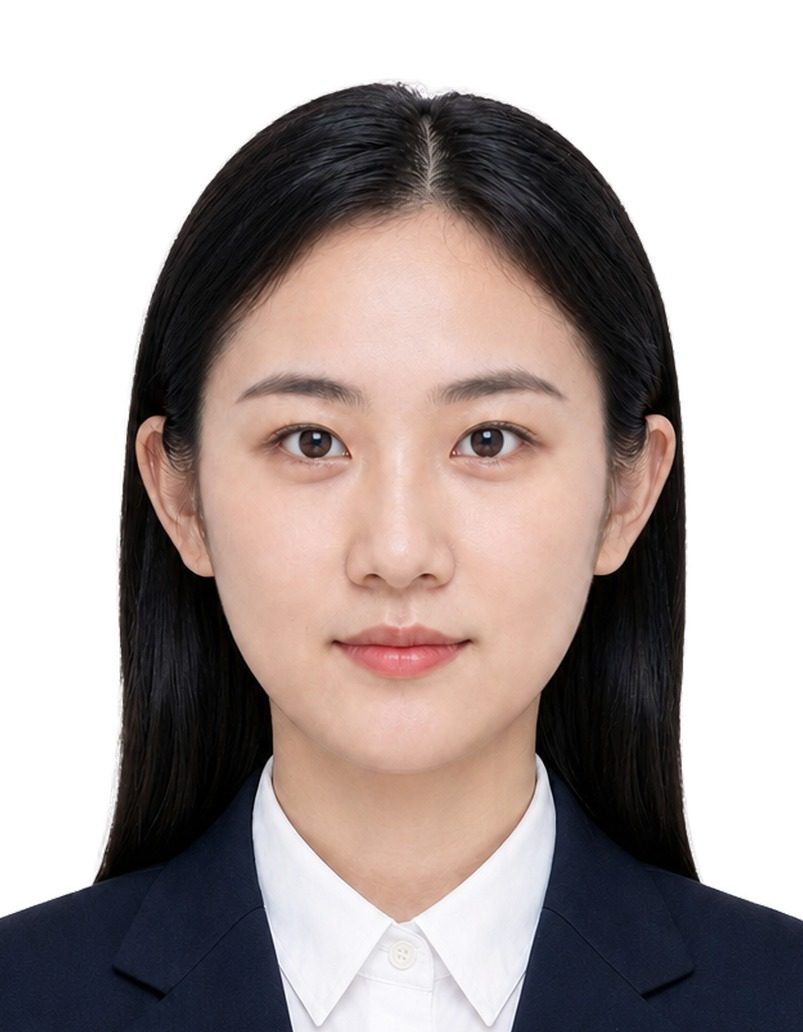

Getting a natural-looking formal ID photo
- Use a portrait that faces the camera with both shoulders in frame and even light. Keep hair away from the collar, because that is where the new jacket has to meet your neck.
- Pick a garment image with a clear collar: a suit product shot on a white background or a front-facing model photo works better than a side-on street snap.
- A dark suit reads well on a light background, and a light shirt on blue or white. You can switch the background in the template without generating the outfit again.
- Your portrait can be reused, so try two or three suit colours and compare them before you decide.
Where the suit image can come from
- A product photo or screenshot from a shopping app
- The ID photo and interview categories in the Discover feed
- A suit you already own, photographed flat
Three steps
- Upload the garment you want to try
- Pick your own portrait
- Generate, swipe to compare, save the one you like
Generated ID photos are for preview and everyday use. For visas, passports or exam registration, follow the requirements of the office processing your application and use an officially taken photo where required.
FAQ
Can I submit the generated photo for a visa?
We cannot guarantee it will be accepted. The templates cover common sizes such as 35×45mm and 51×51mm, but each embassy or authority has its own rules (for example on retouching), so check them before submitting.
Can I change the background colour?
Yes. The ID photo templates let you switch the background colour, including common white and blue backgrounds.
I only have a casual selfie. Will that work?
Yes, as long as your face is clear and facing the camera. The outfit comes from the suit image you upload; keeping both shoulders in frame makes the collar look more natural.